


Developing the NFL Schedule for 1 Click Calendar Invites was a series of explorations spanning 3 years.
We experimented with NFL, NBA, and MLB schedules ingesting the game data into Outlook and Google Calendar Clients to visualize the schedules.
This process proved manageable for the MLB -2430 games, NBA- 1120, NFL -272 for validating the data.
In this scenario, Mandy the Organizer loads all the NFL data onto her Google Calendar Client and sends those events to create@calendarsnack.com.
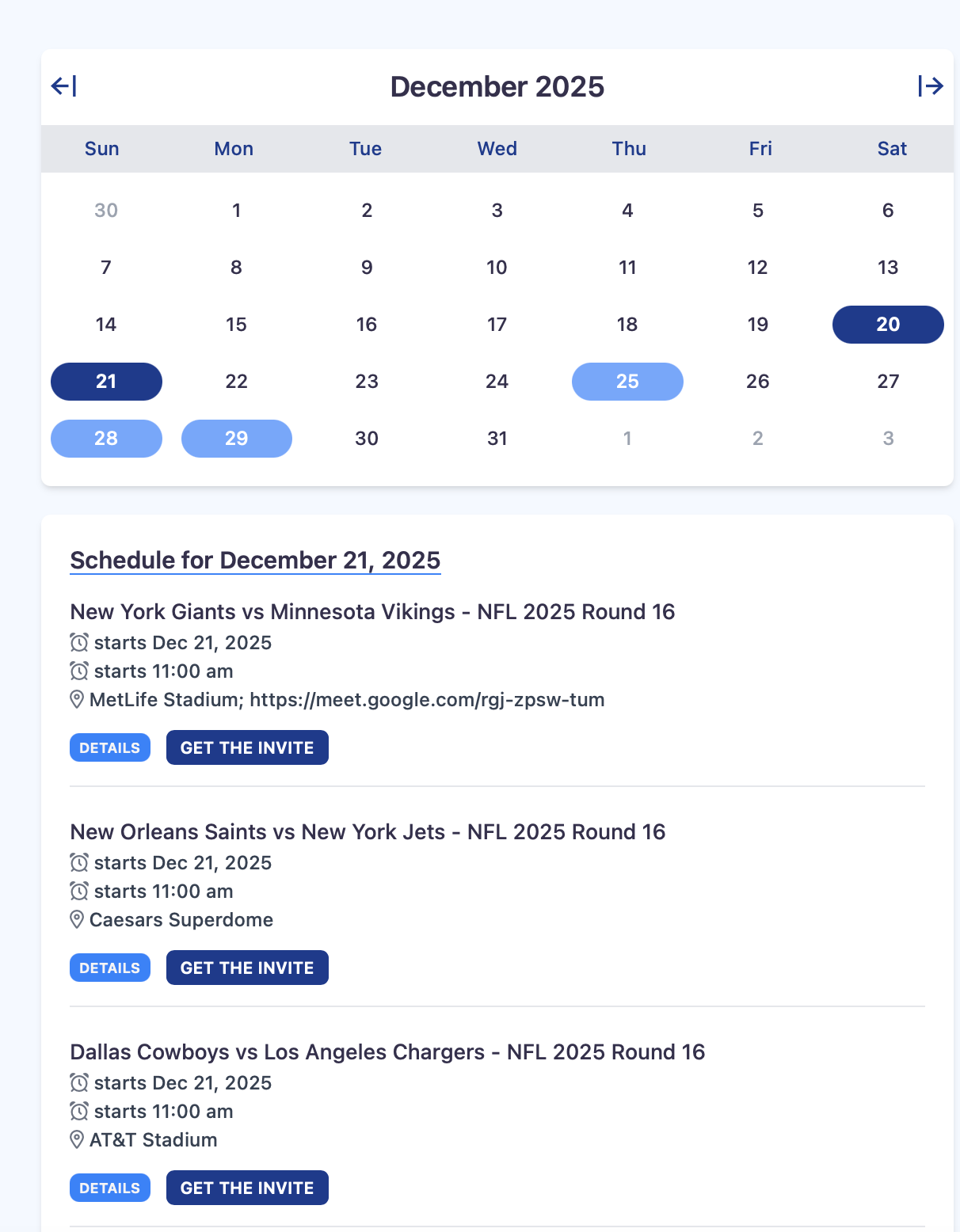
The InBound process loads the data automatically into the calendar invite server for display and review on the dashboards.
If anything needs to be changed, she can use her calendar client to edit and use the SAVE button.
This will push the UPDATED Calendar Event data to the email box of create@calendarsnack.com for Inbound processing and APIs for display.
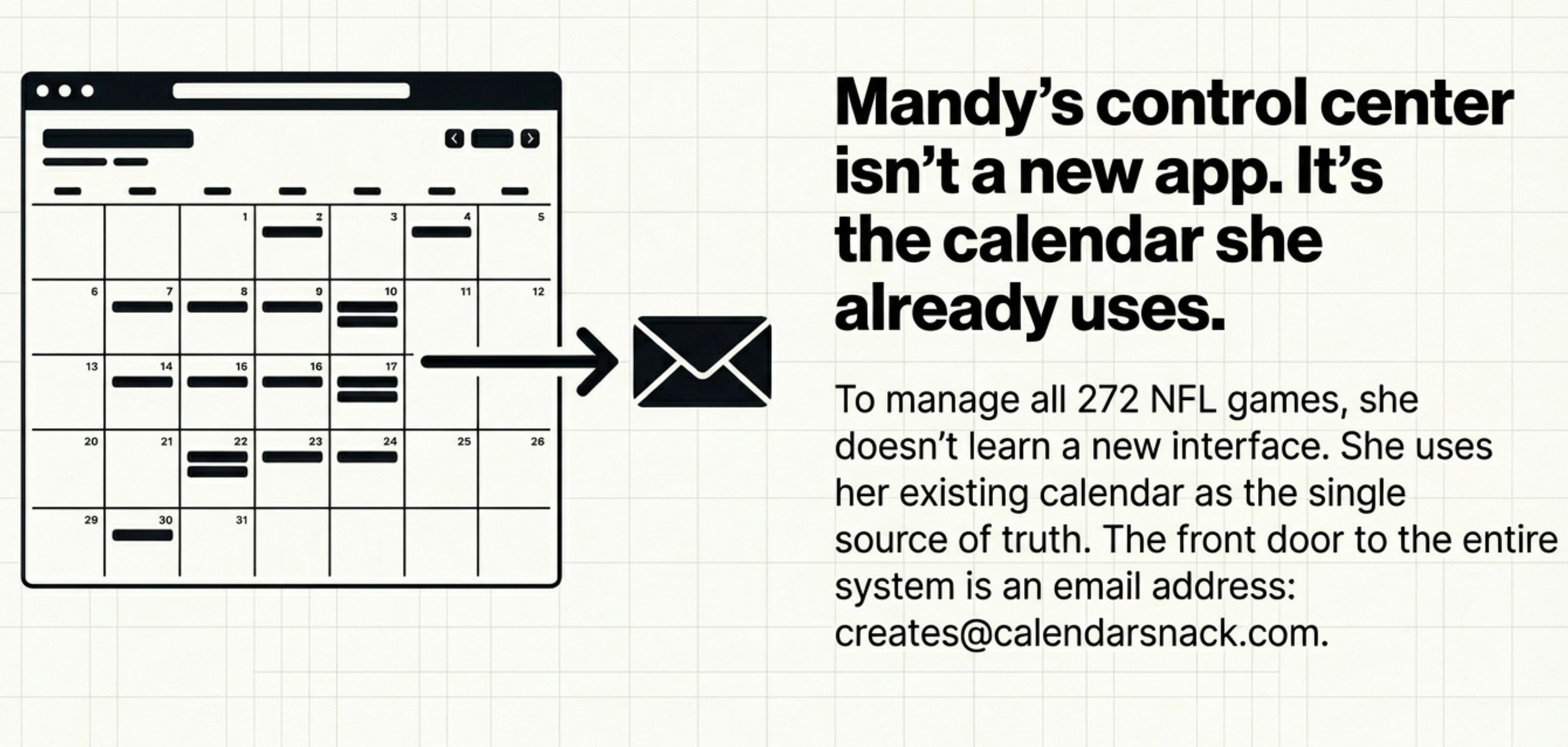
The email box is an API End Point for the Inbound Processor.
It contains the functions and logic for Storage, ETL, and DB insertion in the Calendar Invite Server.
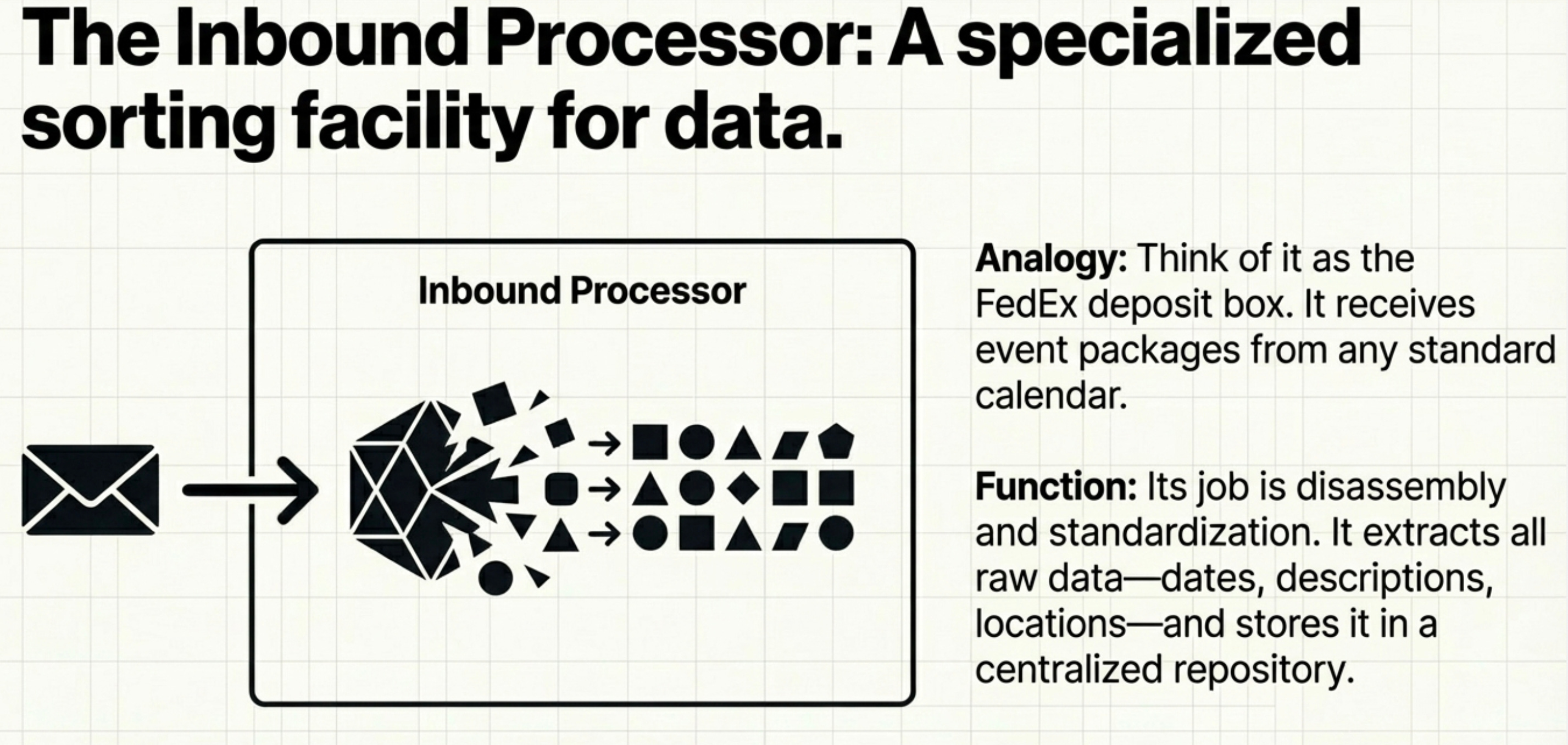
This process creates a Mapped UID from the Calendar Event to the Calendar Invite Server.
All Organizers send data to the Inbound Processor to store, update, or delete data with the Calendar Client.
We automate the onboarding process of all Organizers using the email address of the calendar client used to track all events.
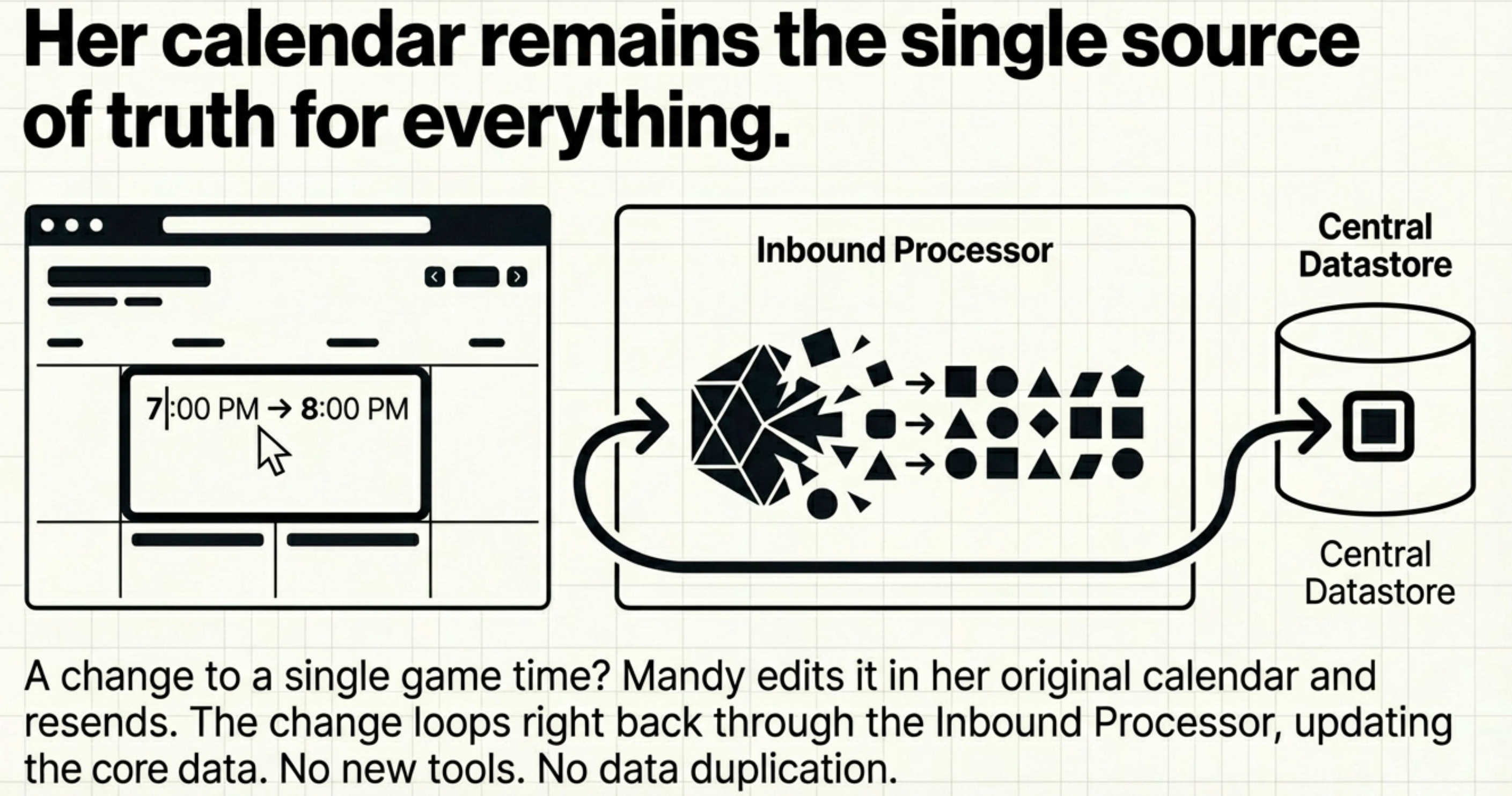
The Inbound processor also contains the functions and logic for updating and deleting calendar invite data using the Calendar Client.
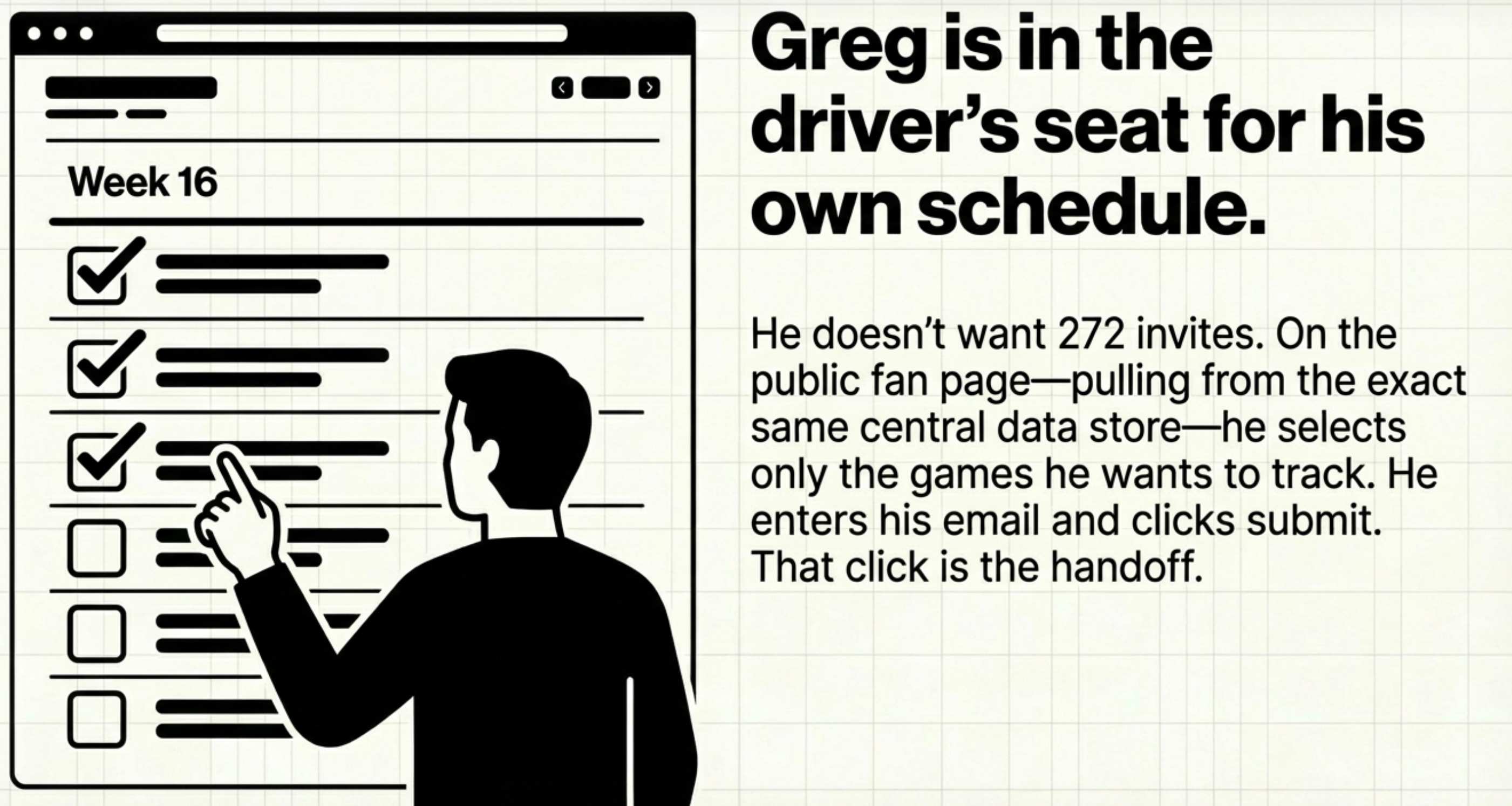
Mandy shares the Public URL with Greg.
He signs up by finding the games he wants using the picker, inserts his email address, and clicks just one button to get the calendar invite for the game.
This is where the Outbound processor steps in to Send Calendar Invites.
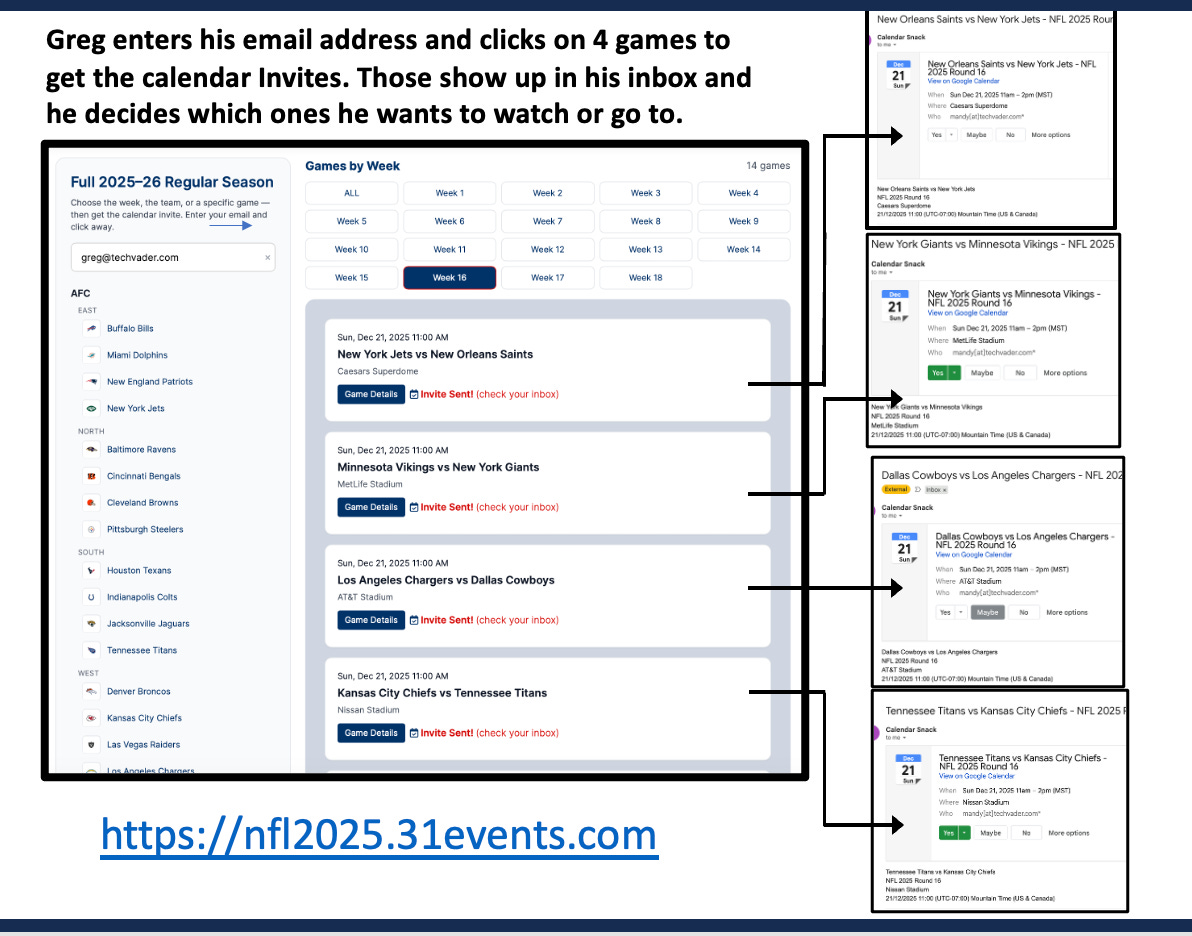
The Outbound Processor looks up the Game’s UID and matches it to the email address.
Each time Greg clicks one button, it is the calendar invite for that game, allowing him to pick from the 272 games he wants to track.
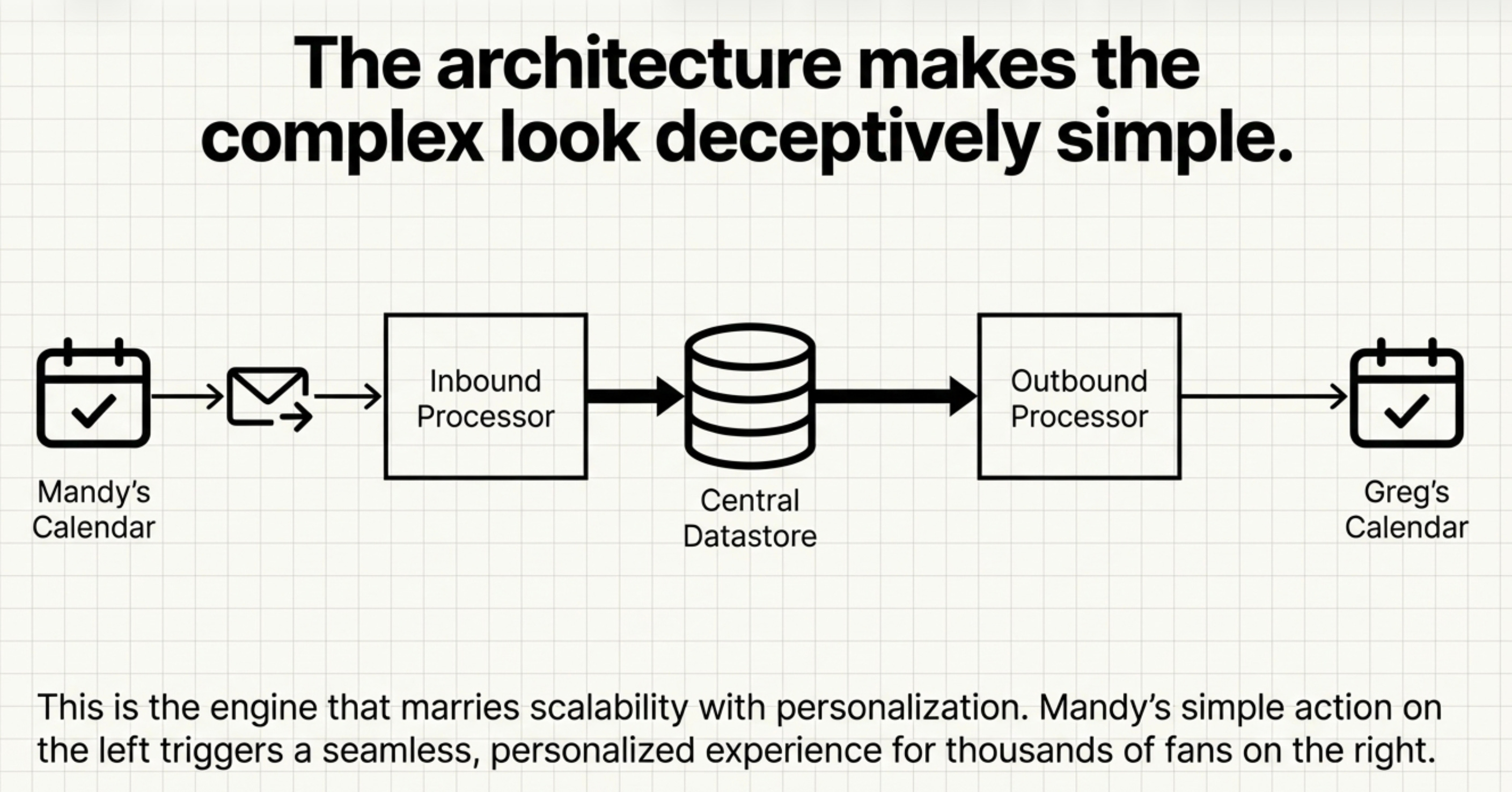
The button click requests the Rest API to build a calendar invite using a set of functions and logic to retrieve data from the Database and assemble the invite using the AWS Raw Simple Email Service for that Game UID.
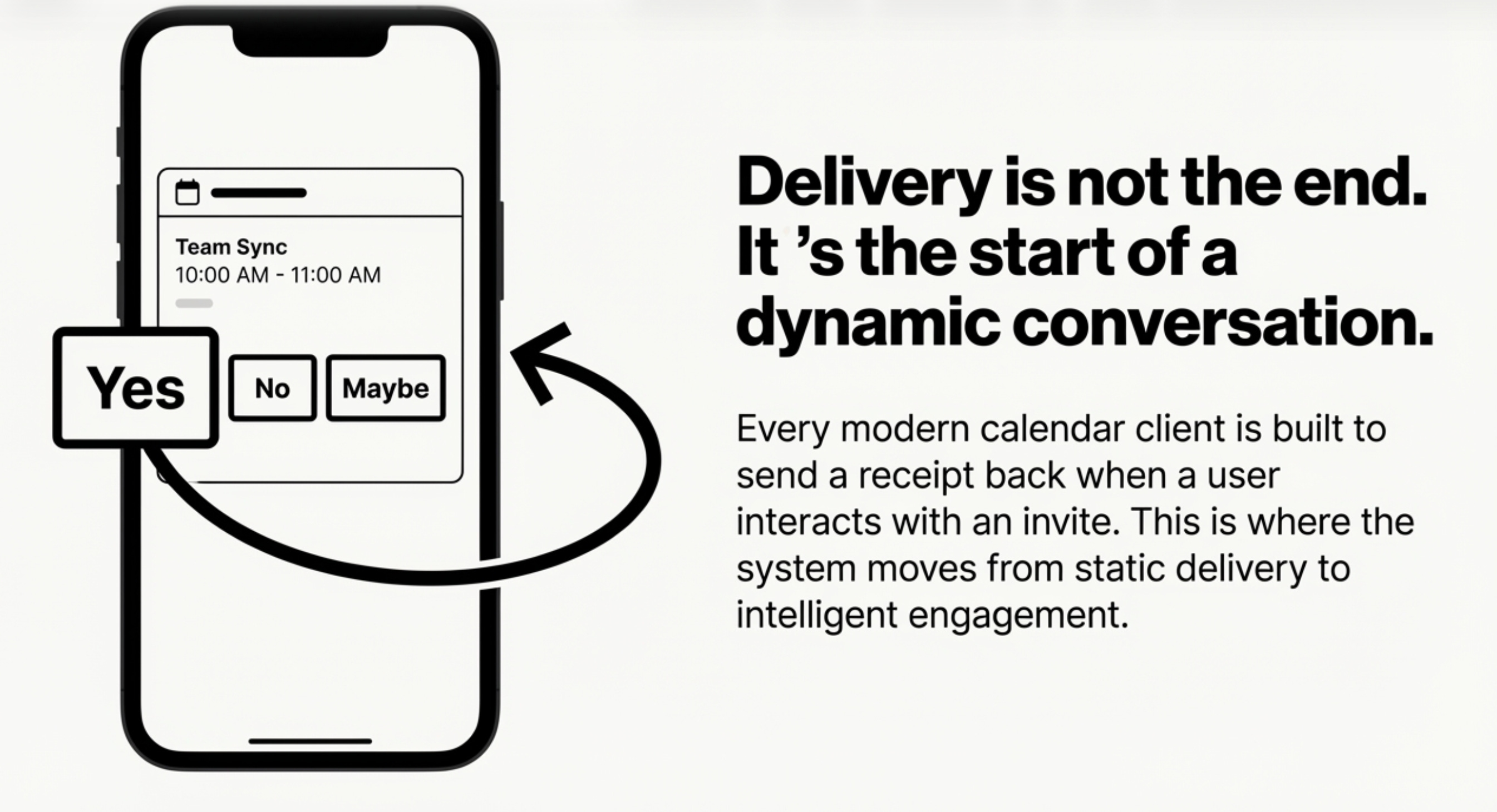
The calendar receipt data is collected for each calendar invite sent.
If a customer changes the status in the calendar client the data is updated for reporting in the API.
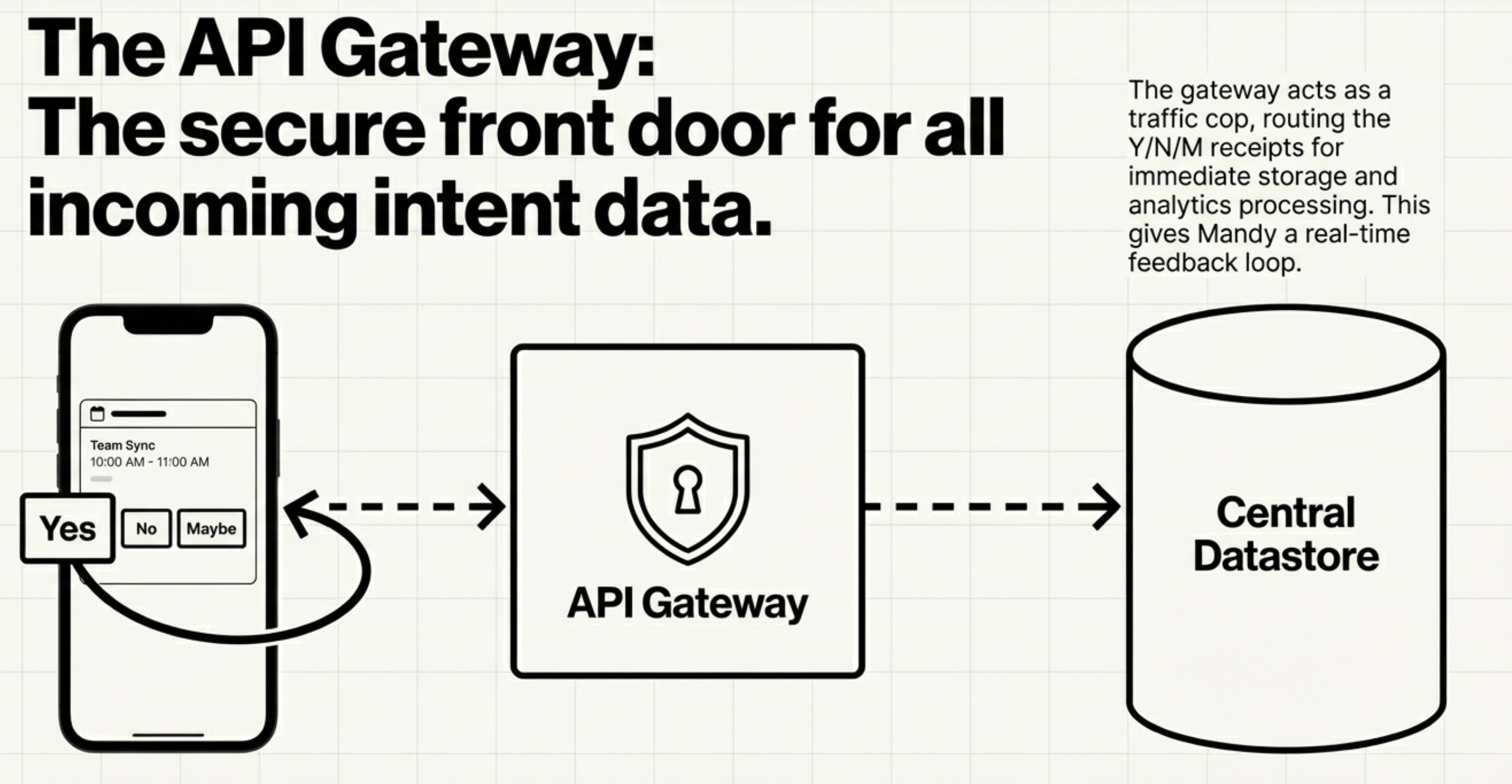
Because the Calendar Invite data is tracked up to the event date, Mandy can gather intelligence and make decisions up and until the time of the event.
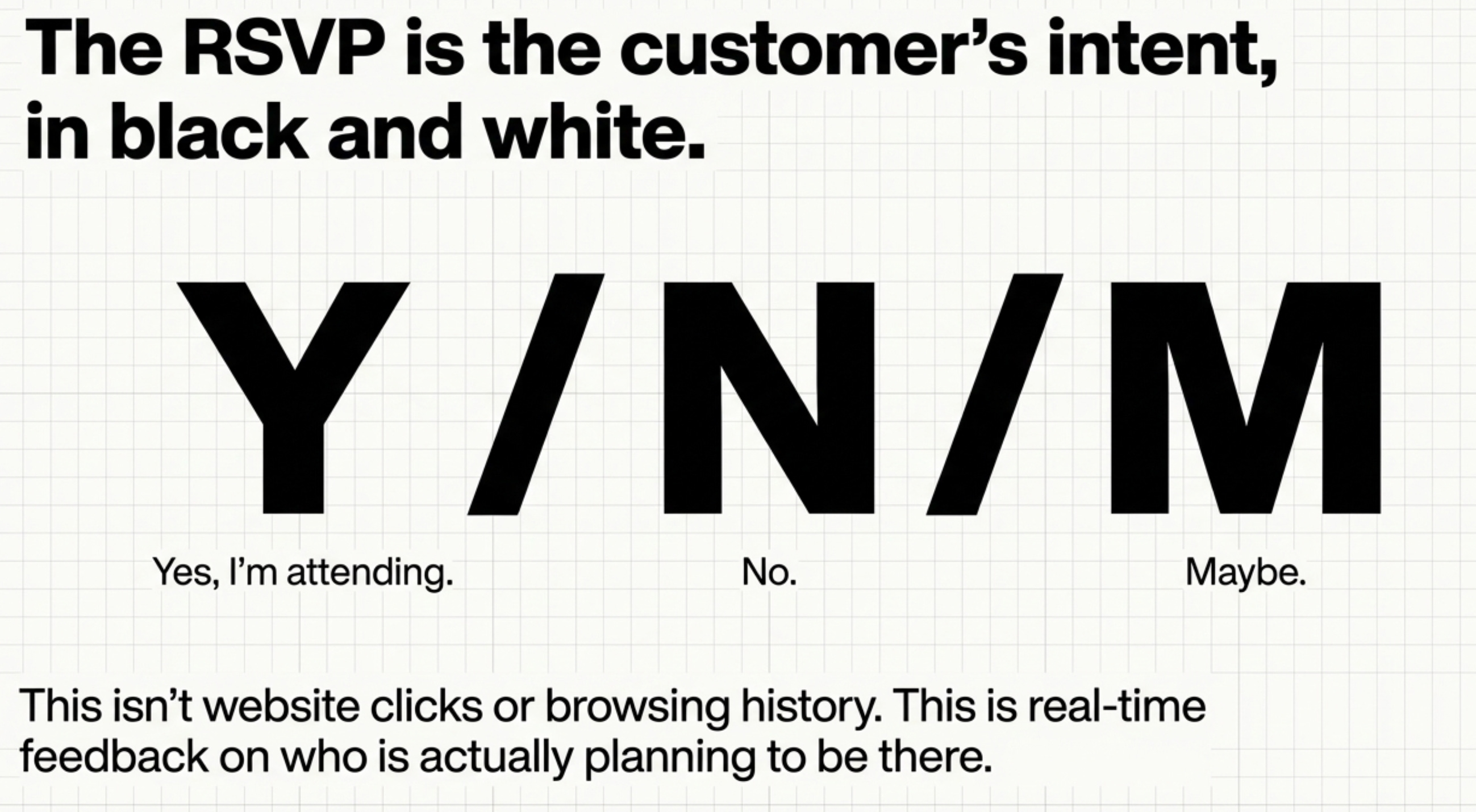
This data allows Mandy the Organizer to plan an Update to those VIP customers she wants to engage with a targeted offer.
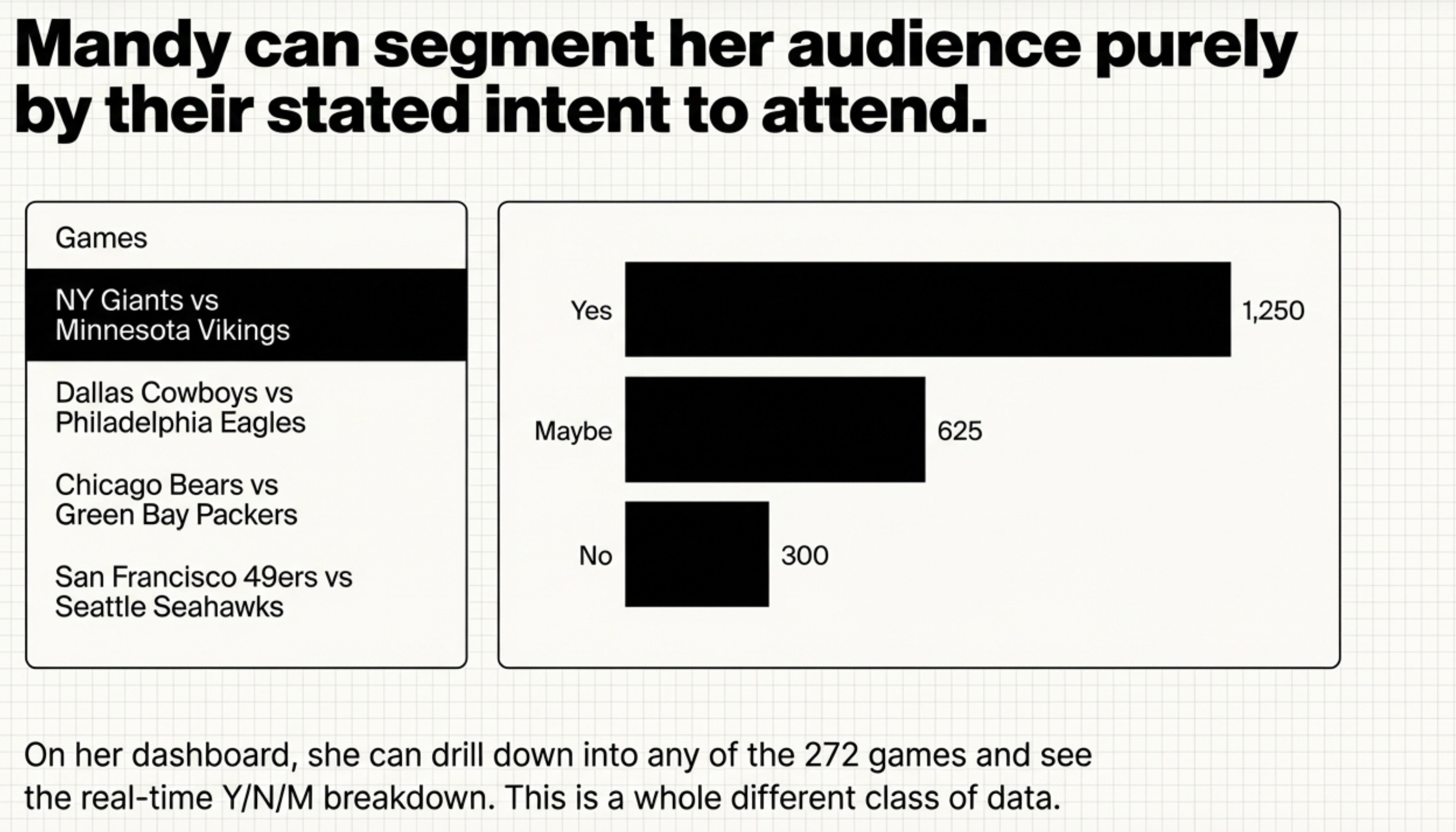
The segmentation data for the Y, Maybe, or No is available in the Email Report. This lists all customer emails and RSVP status.
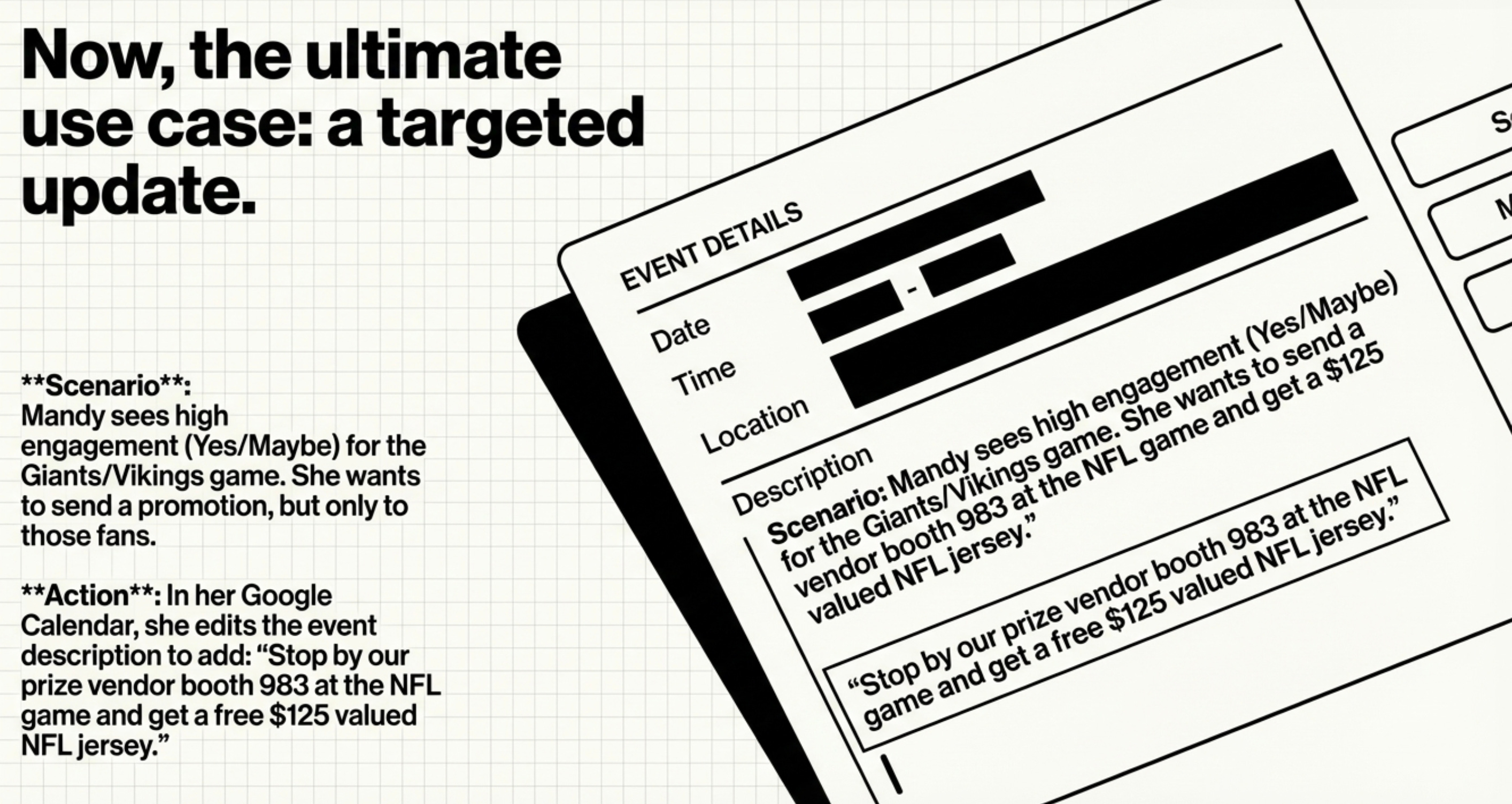
Mandy takes action and updates her Calendar Client for that game with the new promotional offer, then sends the calendar invite back to create@calendarsnack.com.
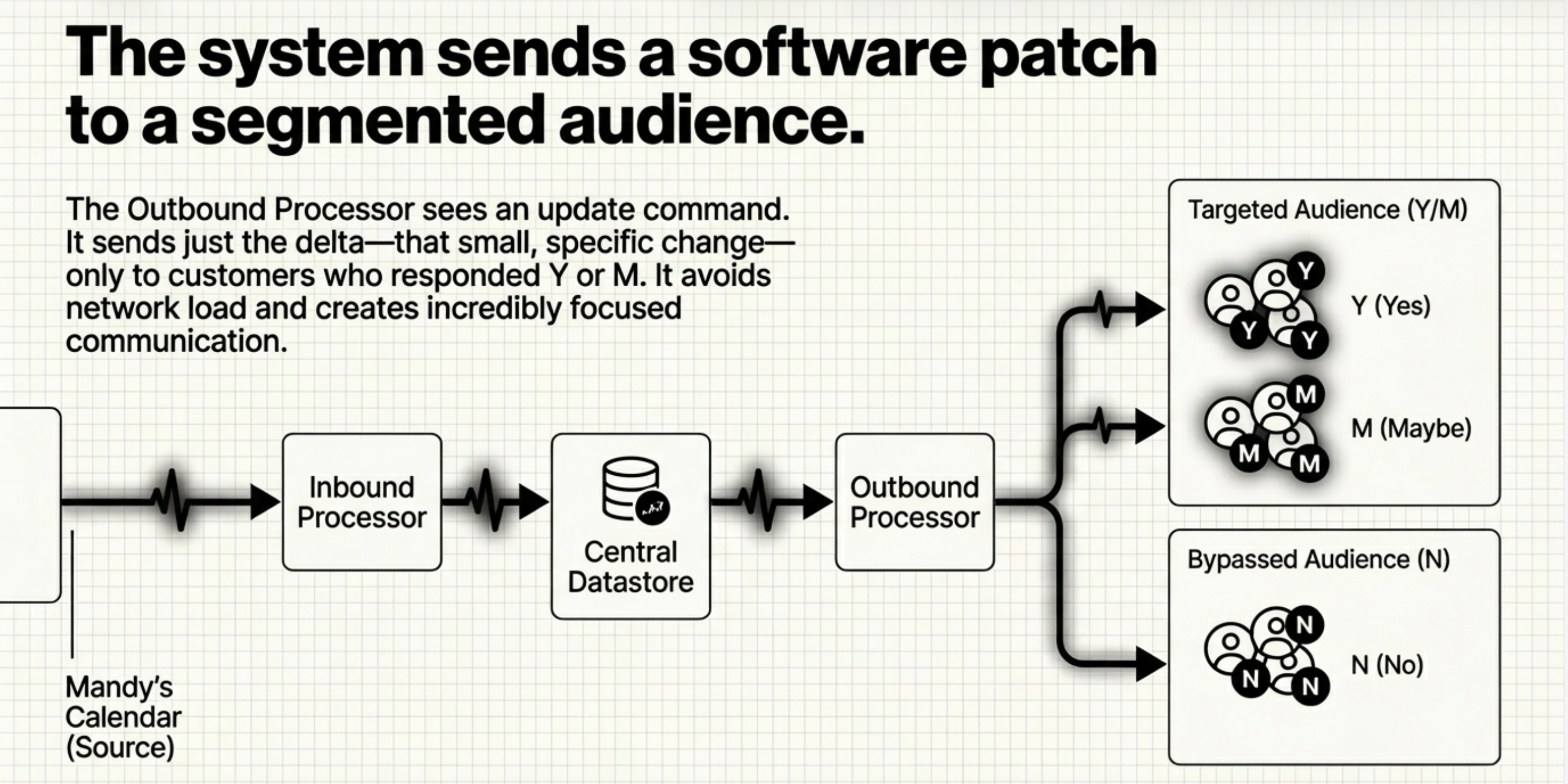
In her Google Calendar, she edits and save the event description to add: “Stop by our prize vendor booth 983 at the NFL game and get a free $125 valued NFL jersey.”
This sends the Updated Calendar Invite.
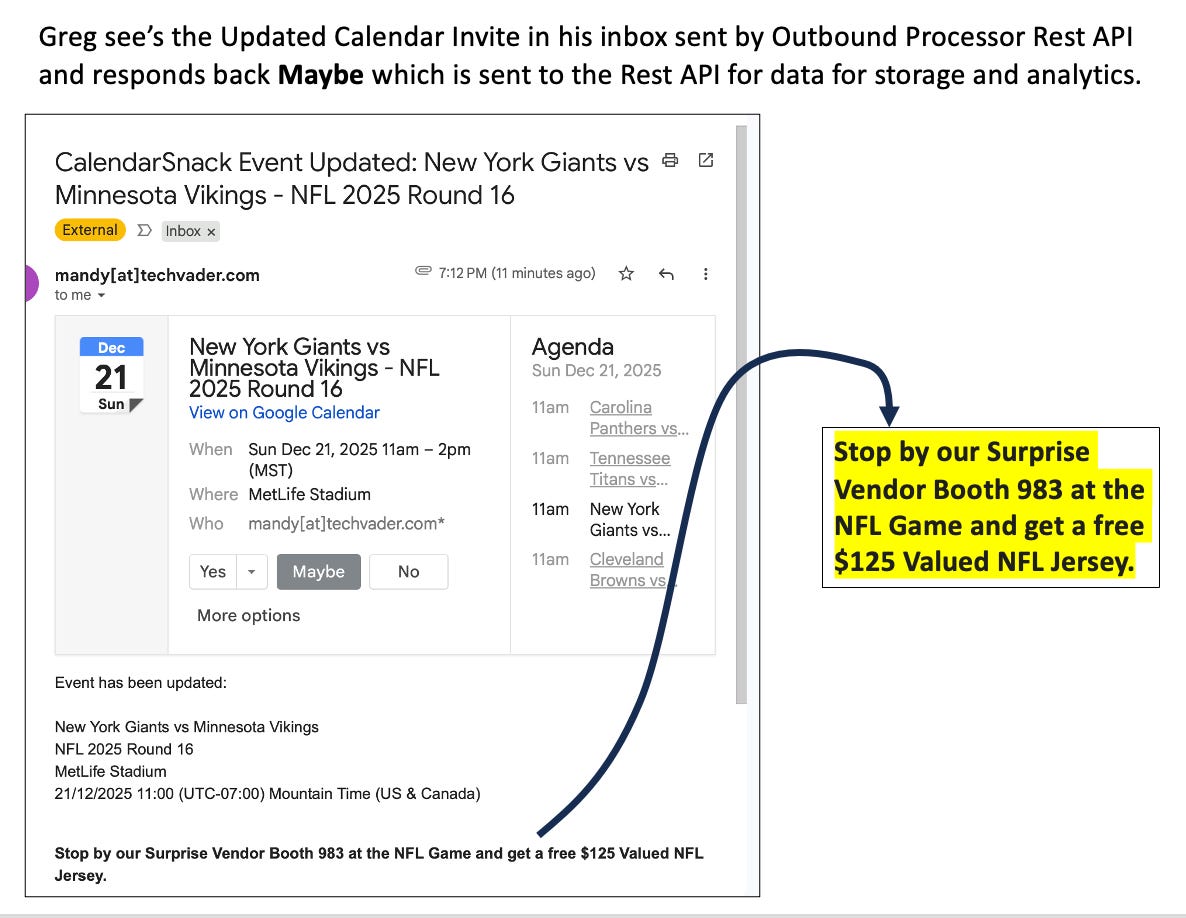
Greg sees the Updated Calendar Invite in his inbox, sent by Outbound Processor Rest API, and responds back Maybe. The calendar receipt is collected by the API for data for storage, analytics and reporting.
This is a wrap up for this one.
Thanks for stopping by and checking us out!


